

PDF files remain one of the most widely used document formats in 2026. But sometimes you need to edit, compress, or convert them into different formats. The good news? You can convert any PDF file free using online tools.
Let’s explore how.
Why Convert PDF Files?
People convert PDFs to:
- Edit text in Word
- Analyze data in Excel
- Extract images
- Combine multiple documents
PDF conversion improves flexibility and productivity.
How to Convert Any PDF File Free
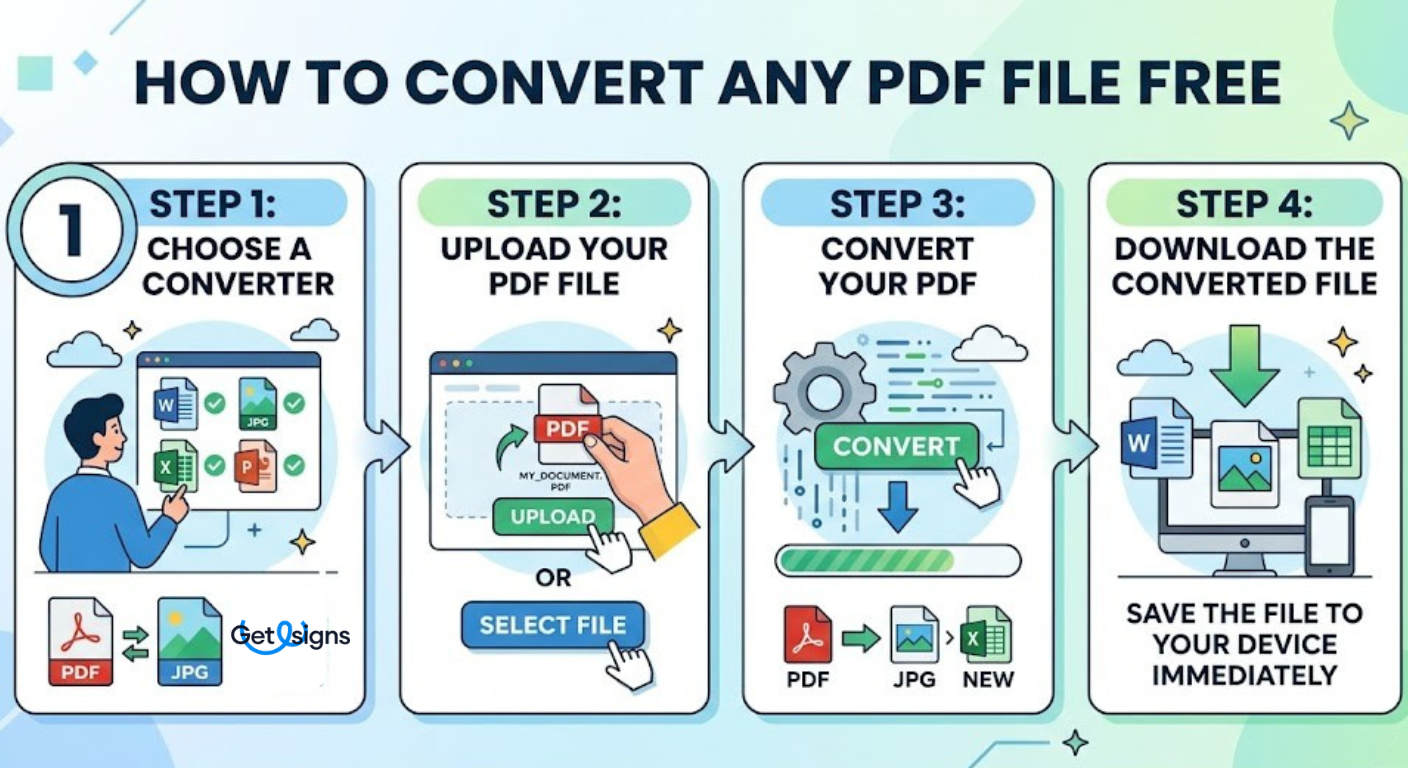
Follow this simple process:
Step 1: Choose a Converter
Select the type of conversion you need, such as PDF to Word, PDF to JPG, PDF to Excel, or others.
Step 2: Upload Your PDF File
Upload your PDF using drag-and-drop or file selection.
Step 3: Convert Your PDF
Click the convert button and let the tool process your file.
Step 4: Download the Converted File
Download the converted file instantly to your device.
It’s that simple.
Features to Look for in a Free PDF Converter
To get the best results, choose a tool that offers:
- High-quality formatting retention
- Fast processing speed
- No watermark
- Secure file encryption
- Automatic deletion after download
These features ensure professional output without hidden restrictions.
Common Free PDF Conversions
Here are the most popular conversions in 2026:
- PDF to Word
- PDF to Excel
- PDF to PowerPoint
- PDF to JPG
- JPG to PDF
- Organize PDF
- HTML to PDF
- Merge PDFs
- Split PDFs
- Rotate PDFs
Many platforms combine multiple tools in one dashboard.
Advantages of Free PDF Conversion Tools
- Zero cost
- No installation required
- Works on any device
- Cloud-based access
- Beginner-friendly interface
This makes free tools highly accessible for everyone.
Things to Keep in Mind
While you can convert any PDF file free, remember:
- Large files may take longer
- Formatting may slightly shift in complex documents
- Sensitive files should be handled carefully
For professional business use, advanced paid tools may offer more customization and security.
Conclusion
In 2026, you don’t need expensive software to convert documents. With the right platform, you can convert any PDF file free in seconds.
Whether you’re a student, freelancer, or office professional, free PDF conversion tools offer speed, convenience, and flexibility - making document management easier than ever.

Try GetEsigns free for 7 days
Sign your first document in a minute.


Boost Your Knowledge with More Reads
Explore a wide range of informative blog articles designed to expand your understanding and keep you updated with the latest trends, tips, and insights.